When Ecommerce is enabled, your platform activates Ecommerce capabilities that can include:
- Product catalogue display
- Add-to-cart functionality
- Order placement and tracking
- Payment integration (if supported)
- Automated order confirmations via chat
Note: The exact features available depend on your platform's ecommerce module and integrations.
How to Enable
- Go to the Ecommerce Settings section in the admin panel.
- Find the setting labelled "Enable Ecommerce".
- Toggle the setting to Enable.
- Save your changes.
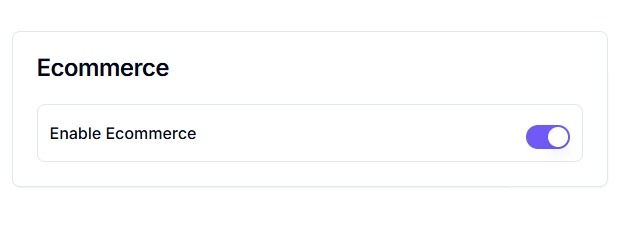
Once enabled, ecommerce features will become available for configuration and use within chat flows or bot responses.