These settings help enforce data protection policies and ensure that only authorized personnel can view private details such as customer phone numbers.
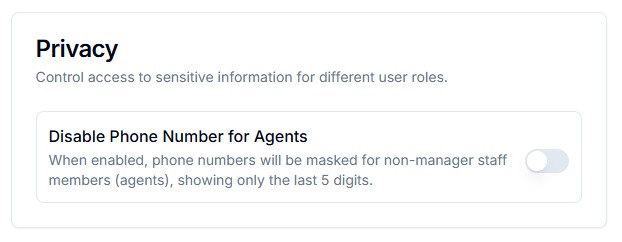
This setting restricts access to full phone numbers for non-managerial staff (e.g., agents or support reps). When enabled:
- Only the last 5 digits of a phone number are visible to agents.
- Managers or admins will still have access to the full number.
To protect customer privacy, ensure regulatory compliance, and prevent unauthorized access or misuse of sensitive information.
How to Enable
- Go to the Privacy Settings section in the admin panel.
- Locate the option: "Disable Phone Number for Agents"
- Toggle the setting to Enable.
- Changes will take effect immediately for all applicable users.
Helps maintain customer privacy and data protection compliance.